|
|
 Posted - October 22 2016 : 3:57:20 PM Posted - October 22 2016 : 3:57:20 PM


|
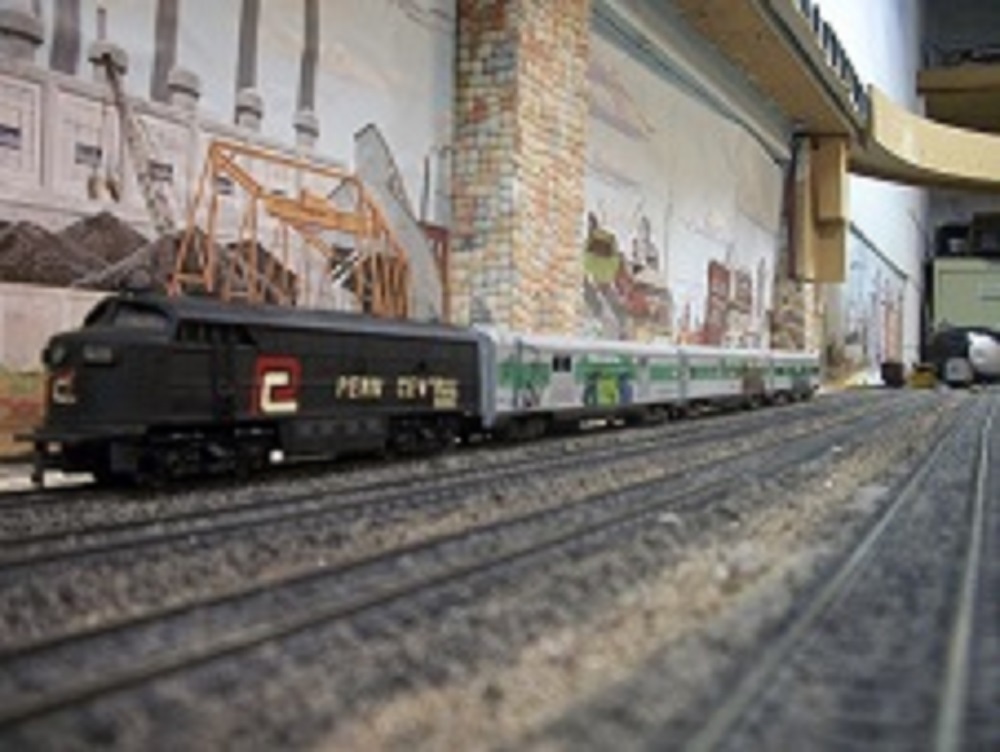
Show us your weathered cars and engine's. I have several to show once I figure out how post pics.
Tom
|
Country:  USA ~
Posts: 3 ~
Member Since: October 20 2016 ~
Last Visit: November 13 2016 USA ~
Posts: 3 ~
Member Since: October 20 2016 ~
Last Visit: November 13 2016
|
 Alert Moderator
|
|
|
|
Posted - October 22 2016 : 9:42:32 PM
|
Hi Daddy Rabbit,
Being an analog dinosaur myself, I struggled a bit with all this binary widgetry at first. I generally
prefer a Brownie Box Camera to a ayephone. But like any piece of machinery, a computer is
just another machine with its own nature.
1. On my computer, I open the photograph under the heading of "Paint."
2. It is essential to shrink the image down, so it goes through the digital plumbing into the beloved
Tyco Forum. Too big an image, and the "pipe" clogs up sure as if you were dumping bacon grease
into the drain.
3. So in "Paint" click on the subheading of "Resize." That function allows you to shrink down the
image to a manageable chunk to get through the circuitry.
4. After you click on "Resize," there is a box with two options. "Percentage" or "Pixels." Click on
the colored dot that says "Pixels." A number will pop up for "horizontal" and "vertical." Just enter the
number "1000" (which means 1000 pixels) in the "horizontal" box. The "vertical" will adjust automatically.
5. Once having done that, click on "OK." That stores the image size in its bite sized piece.
6. Then go to the upper left hand corner and click on "save as." It will pop up some computer jargon
file title in a blue box. Over write the computer jargon with your own title,
like "My favorite locomotive," etc.
7. For some reason, the computer will choke if you try to insert a symbol, such as "#" or - or %.
So don't try to label it with a date, such as 10-22-16. It will choke.
Instead, write out 22 Oct 2016, or whatever, just don't use the symbols on your key pad.
Now that you saved your picture, you go to your forum and click on the little picture of the camera on the
third row from the top, far right.
8. That opens up a new box. Click on the word "browse."
9. "Browse," in turn, opens up your stored pictures. In the blank, enter keywords or the
entire phrase, like "My favorite locomotive" or "favorite," or even "my"and the computer
will fish up your stored image.
10. When you find the image you want, and it will appear, use your mouse and do a double click on the left
aspect of said mouse. That will transfer your picture to a message on the TF.
11. Then click on "upload" file and voila, your picture pops into a box like this under a computer gibberish
phrase. You already know how to enter a message under that. Then
click on "Post Reply," and there you go!
The title of this novel is "How to Post on the Tyco Forum in Eleven Easy Steps." I had to figure it out
by trial and error. The other way to do this is hire the eleven year old down the block and give them
a $10 bill. They will have this figured out in two minutes, flat. I must confess, my teenage daughter
also helped me quite a bit.
PM me if you run into issues. We look forward to seeing your contributions!!!   
Edited by - Chops124 on October 22 2016 9:47:06 PM
|
|
Country: USA ~
Posts: 11693 ~
Member Since: December 09 2013 ~
Last Visit: October 13 2026
|
Alert Moderator

|
|
|
|
|
|
 Home
Home Forums
 Events Calendar
 Forum Admins & Mods
 Register